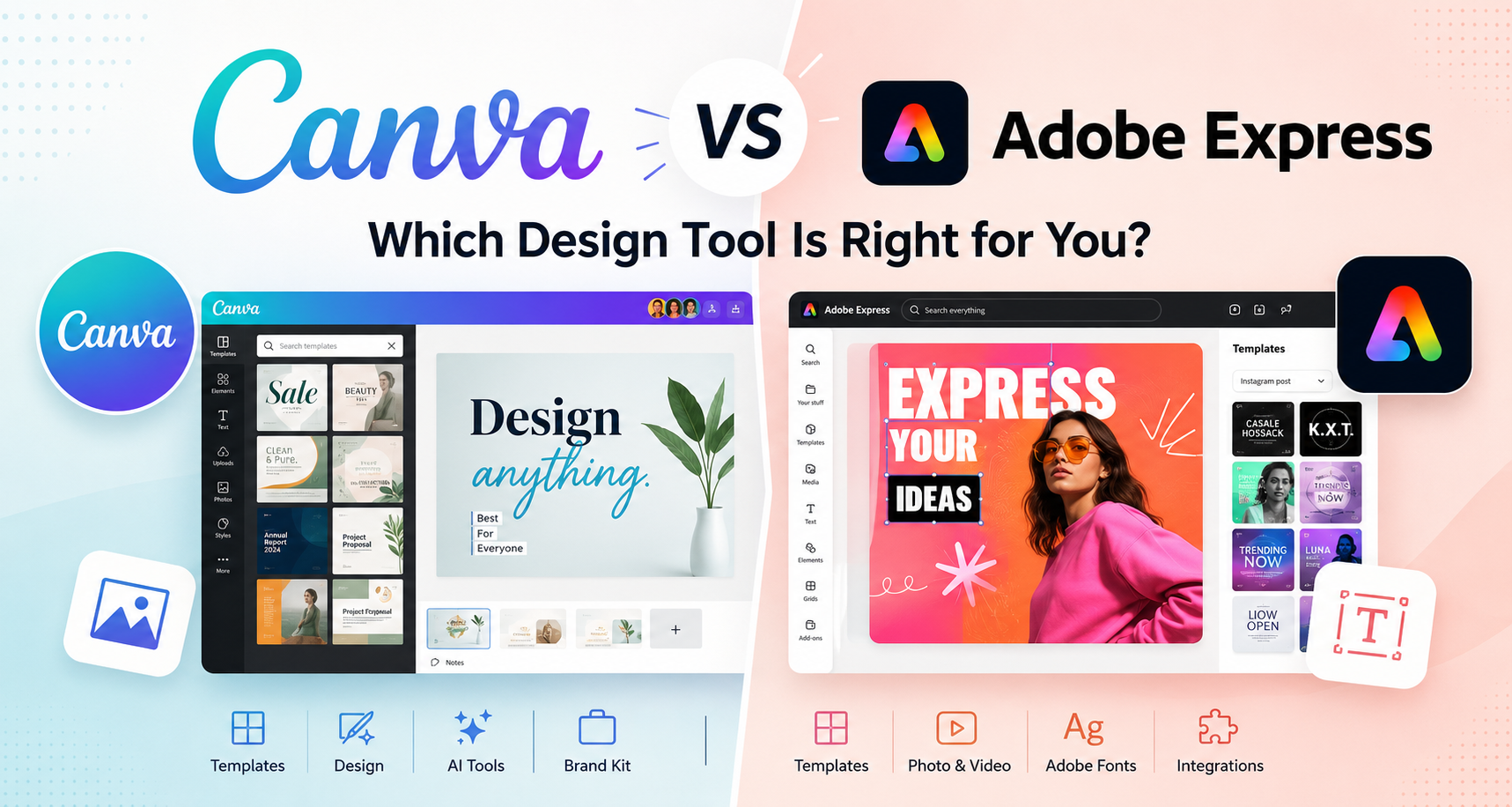
Canva vs Adobe Express: Which Design Tool Is Better for Beginners, Creators, and Small Businesses?
Choosing between Canva vs Adobe Express can be confusing because both tools are built for people who want to create good-looking designs without learning professional design software.
Canva is widely known for its simple drag-and-drop design experience, large template library, and beginner-friendly workflow. Adobe Express is Adobe’s easy design, photo, video, and social content tool, built to help users create quick visuals without needing advanced apps like Photoshop or Illustrator. Canva describes itself as a free online graphic design tool for social media posts, presentations, posters, videos, logos, and more, while Adobe describes Express as an all-in-one design, photo, and video tool for social posts, images, videos, flyers, and other content. (Canva)
People often compare them because they serve a similar audience: beginners, freelancers, marketers, students, small business owners, and content creators who need fast, practical design tools.
The best choice depends on your needs, budget, and workflow. Some users will prefer Canva for speed and templates. Others may prefer Adobe Express for its connection to Adobe tools, Adobe Stock assets, and Creative Cloud ecosystem.
Quick Verdict
Choose Canva if you want the easiest tool for creating social media posts, presentations, flyers, simple videos, and marketing materials with minimal learning curve. It is often the better choice for beginners, small teams, and users who want a large template-first design experience.
Choose Adobe Express if you already use Adobe products or want a simple design tool that connects more naturally with Adobe’s ecosystem, including tools like Photoshop, Firefly, Adobe Fonts, and Adobe Stock. Adobe Express may also be a stronger choice for creators who want Adobe-style assets and integrations in a simpler interface.
Canva vs Adobe Express Comparison Table
| Category | Canva | Adobe Express |
|---|---|---|
| Best for | Beginners, small businesses, marketers, students, social media content | Adobe users, content creators, small businesses, brand-focused teams |
| Ease of use | Very beginner-friendly | Beginner-friendly, but may feel more Adobe-oriented |
| Templates | Very strong template library | Strong templates, especially for social and branded content |
| AI features | Canva AI tools for design, writing, editing, and more | Adobe Firefly-powered AI features and AI Assistant features |
| Social media | Excellent for posts, stories, reels, thumbnails, and scheduling | Strong for social content, scheduling, and quick resizing |
| Photo editing | Good for simple edits and background removal | Strong for quick edits, especially with Adobe image tools influence |
| Video editing | Good for simple social videos | Good for short videos, resizing, trimming, captions, and quick edits |
| Brand tools | Brand Kit, brand templates, brand assets | Brand kits, brand assets, Adobe Fonts, lockable templates on some plans |
| Collaboration | Strong for teams and shared assets | Good for teams, especially Adobe ecosystem teams |
| Pricing | Free and paid plans | Free and paid plans |
| Main advantage | Simplicity and templates | Adobe ecosystem integration |
Overview of Canva
What Is Canva?
Canva is an online design platform made for people who want to create visual content quickly. It uses a drag-and-drop interface and offers templates for many types of content, including social media posts, presentations, posters, flyers, documents, videos, logos, and more. Canva’s official site positions it as a free-to-use online graphic design tool for many everyday design needs. (Canva)
It is not meant to replace every professional design tool. Instead, it helps users create polished visuals without needing advanced design skills.
Main Use Cases for Canva
Canva is commonly used for:
- Instagram posts and stories
- TikTok and YouTube thumbnails
- Presentations
- Posters and flyers
- Business cards
- Resumes
- Simple videos
- Marketing graphics
- Brand templates
- School projects
- Basic logos and visual assets
Canva for social media is especially popular because users can start from templates, resize content, add brand colors, and publish or schedule posts from one place. Canva also offers content planning and scheduling features for social channels. (Canva)
Who Is Canva Best For?
Canva is best for users who want speed, simplicity, and a wide range of ready-made templates.
It is a strong choice for:
- Beginners with no design background
- Freelancers creating client content
- Small business owners managing their own marketing
- Students creating presentations or reports
- Social media managers producing frequent posts
- Marketers who need quick campaign visuals
- Teams that need reusable brand templates
If you want the best design tool for beginners, Canva is usually one of the easiest options to recommend.
Overview of Adobe Express
What Is Adobe Express?
Adobe Express is Adobe’s simplified design, photo, video, and content creation app. It is built for users who want to create social posts, images, flyers, videos, logos, and branded assets without using more complex Adobe tools. Adobe describes Express as an easy create-anything app for social posts, images, videos, flyers, and more. (Adobe)
It sits between beginner design tools and the wider Adobe Creative Cloud ecosystem. It is simpler than Photoshop, Illustrator, or Premiere Pro, but it still benefits from Adobe’s creative tools, fonts, stock assets, and AI features.
Main Use Cases for Adobe Express
Adobe Express is useful for:
- Social media posts
- Short videos
- Flyers and posters
- Logos and simple brand assets
- Presentations
- Photo edits
- Background removal
- Resizing images and videos
- AI-generated images and text effects
- Branded content creation
Adobe Express also includes quick actions for images and videos, such as background removal, resizing, cropping, trimming, converting video formats, and captioning video. (Adobe)
Who Is Adobe Express Best For?
Adobe Express is best for users who want a simple tool but still value Adobe’s ecosystem.
It is a strong choice for:
- Users already paying for Adobe Creative Cloud
- Content creators who want Adobe-style creative assets
- Small teams that need branded templates
- Social media creators who want quick resizing and scheduling
- Freelancers who use Photoshop, Lightroom, Illustrator, or Premiere Pro
- Students or creators who want simple design with Adobe assets
Adobe Express for content creators makes sense when you want a beginner-friendly tool but still want access to Adobe’s broader creative environment.
Canva vs Adobe Express: Key Differences
Ease of Use
Canva is generally easier for complete beginners. The interface is simple, the template library is highly visible, and most actions are easy to understand. You can open a template, edit text, change images, adjust colors, and export without much learning.
Adobe Express is also beginner-friendly, but it may feel slightly more structured around Adobe’s design language. This is not necessarily a disadvantage. Users who already know Adobe tools may find Adobe Express familiar. New users can still learn it quickly, but Canva feels more direct for first-time users.
For absolute beginners, Canva usually wins on ease of use.
Templates
Templates are one of Canva’s biggest strengths. Canva offers templates for social media, business, education, personal projects, presentations, marketing, events, and more. Canva’s template pages highlight thousands of free templates that can be customized with drag-and-drop editing. (Canva)
Adobe Express also has templates for social media, flyers, posters, logos, presentations, and brand content. Its templates look modern and are useful for quick content creation. However, Canva still feels stronger if your main priority is browsing a large number of templates across many categories.
If you need the widest range of ready-made layouts, Canva has the advantage.
AI Features
Both tools now include AI features, but they approach them differently.
Canva includes AI tools for design, writing, editing, brand work, coding, and more. Canva says its AI tools are available to everyone, with some usage available on the free plan and higher usage or more advanced features available on paid plans. (Canva)
Adobe Express includes generative AI features connected to Adobe Firefly. Adobe highlights AI tools for generating templates, text effects, images, logos, presentations, and other creative assets. Adobe also lists an AI Assistant in beta, with some availability limits depending on plan and language. (Adobe)
Canva’s AI tools may feel easier for users who want quick content ideas and design help. Adobe Express may appeal more to users who trust Adobe’s Firefly ecosystem and want AI features connected to Adobe creative workflows.
Brand Kit and Assets
Canva’s Brand Kit lets users organize logos, colors, fonts, icons, imagery, graphics, and brand templates in one place. It is useful for businesses, creators, and teams that need consistent visuals across many designs. (Canva)
Adobe Express also offers brand kits. Adobe’s brand kit tools allow users to apply logos, fonts, colors, graphics, and templates quickly inside designs. Adobe also connects Express with Adobe Fonts and Adobe Stock assets, especially on paid plans. (Adobe)
Canva may feel easier for small businesses building a brand kit from scratch. Adobe Express may be better for teams already using Adobe Fonts, Adobe Stock, or Creative Cloud assets.
Social Media Content Creation
Both tools are strong for social media.
Canva for social media is one of its main strengths. It offers templates for Instagram, Facebook, TikTok, YouTube, Pinterest, LinkedIn, and more. You can create posts, stories, reels covers, thumbnails, carousels, and simple videos.
Adobe Express is also strong for social content. Adobe Express includes social media design tools, resizing features, and a content scheduler. Adobe says its Content Scheduler can plan, preview, and schedule content across platforms such as TikTok, Instagram, Facebook, X, Pinterest, and LinkedIn. (Adobe)
For most beginner social media creators, Canva is slightly easier. For users who want Adobe assets and scheduling in the same workflow, Adobe Express is a strong option.
Photo Editing
Canva includes simple photo editing tools such as filters, cropping, background remover on eligible plans, image adjustments, effects, and basic object editing features. It is good for everyday marketing graphics, thumbnails, product images, and social posts.
Adobe Express also offers quick photo editing tools, including background removal, resizing, cropping, changing backgrounds, and AI image features. Since Adobe is known for image editing software, Adobe Express may feel appealing to users who want quick edits while staying connected to the Adobe ecosystem.
Neither tool replaces Photoshop for advanced photo editing. For simple edits, both are enough. For users who may later move into advanced image editing, Adobe Express connects more naturally with Photoshop.
Video Editing
Canva includes a simple video editor for short social videos, reels, presentations, ads, and basic animations. It is useful for users who want to create simple video content without learning a full video editing program.
Adobe Express also supports video editing features such as trimming, resizing, merging, converting, captions, and background removal for videos. Adobe highlights drag-and-drop video editing, bulk editing, self-recording, and exporting or publishing options. (Adobe)
For quick social videos, both tools work well. Canva may feel simpler for template-based videos. Adobe Express may be more attractive for users who also use Premiere Pro or other Adobe video tools.
Collaboration
Canva is strong for team collaboration. Users can share designs, create team folders, manage brand kits, leave comments, and work from shared templates. This makes it useful for marketing teams, freelancers working with clients, and small businesses.
Adobe Express also supports collaboration, especially for teams and businesses. Adobe describes Express for teams as a way to keep projects on brand, streamline workflows, collaborate in real time, and integrate with Creative Cloud. (Adobe)
Canva may be easier for non-design teams. Adobe Express may be stronger for teams already working inside Adobe workflows.
Integrations
Canva integrates with many everyday tools and platforms, including social media channels, content scheduling tools, storage services, and marketing workflows.
Adobe Express benefits from Adobe ecosystem integration. Adobe highlights that Express works with Photoshop, Firefly, and more, allowing users to sync content and keep brand assets available without leaving the app. (Adobe)
This is one of the clearest differences in the Adobe Express vs Canva comparison. Canva feels broader for general users. Adobe Express feels more connected for Adobe users.
Pricing
Both Canva and Adobe Express offer free plans and paid plans.
Canva has a free plan and paid plans for individuals, teams, businesses, and enterprises. Canva’s official pricing page lists plan categories such as Free, Pro, Business, and Enterprise. (Canva)
Adobe Express also has a free plan and paid plans. Adobe’s official Express page lists Adobe Express Free, Adobe Express Premium, Adobe Express Teams, and Enterprise options. It also states that pricing and plan details vary by plan type, with some Creative Cloud plans including Adobe Express Premium. (Adobe)
Pricing can change over time, so always check the official pricing pages before subscribing.
Canva Pros and Cons
Canva Pros
- Very easy for beginners
- Large template library
- Great for social media graphics
- Strong presentation templates
- Useful brand kit features
- Good collaboration tools
- Fast workflow for non-designers
- Helpful for small businesses and marketers
- Works well for many content formats
Canva Cons
- Some popular assets and features require a paid plan
- Designs can look similar if users rely too heavily on common templates
- Not ideal for advanced photo editing
- Not ideal for complex vector design
- Advanced brand control may require higher-tier plans
- Users who already use Adobe tools may prefer Adobe Express integration
Adobe Express Pros and Cons
Adobe Express Pros
- Easy to use compared with professional Adobe apps
- Good for social posts, flyers, videos, and quick edits
- Strong connection with Adobe Creative Cloud
- Access to Adobe Fonts and Adobe Stock assets on certain plans
- Useful AI features powered by Adobe Firefly
- Good resizing and quick action tools
- Strong option for existing Adobe users
- Brand kit and team features available
Adobe Express Cons
- Canva may feel easier for complete beginners
- Template browsing may not feel as broad as Canva for some categories
- Some features depend on plan type
- Best value may depend on whether you already use Adobe products
- Not a full replacement for Photoshop, Illustrator, or Premiere Pro
Which One Is Better for Different Users?
Beginners
For beginners, Canva is usually the better choice. It is simple, visual, and easy to learn. You can start with a template and customize it in minutes.
Adobe Express is also beginner-friendly, but Canva feels slightly more natural for someone creating their first design.
Best choice: Canva
Small Businesses
Small businesses often need social posts, flyers, menus, ads, presentations, posters, and basic branded content. Canva is excellent for this because it offers many templates and a simple brand workflow.
Adobe Express is also a good option, especially if the business already uses Adobe tools or wants Adobe Stock and Adobe Fonts.
Best choice: Canva for simplicity, Adobe Express for Adobe-based workflows
Marketers
Marketers need speed, consistency, templates, collaboration, resizing, and social media content. Canva is very strong here because it makes it easy to create campaign assets quickly.
Adobe Express is useful for marketers who work with Adobe files, Adobe assets, or Creative Cloud teams.
Best choice: Canva for most general marketers, Adobe Express for Adobe teams
Students
Students often need presentations, posters, resumes, reports, and group projects. Canva is usually easier and more template-rich for school projects.
Adobe Express can also work well, especially for students who already have access through school or Creative Cloud.
Best choice: Canva for most students
Social Media Managers
Social media managers need fast content creation, resizing, scheduling, brand consistency, and collaboration.
Canva is excellent for creating frequent social posts and campaigns. Adobe Express is also strong because it includes scheduling and Adobe asset integration.
Best choice: Canva for template-heavy social content, Adobe Express for Adobe-connected social workflows
Users Already in the Adobe Ecosystem
If you already use Photoshop, Illustrator, Lightroom, Premiere Pro, Firefly, Adobe Fonts, or Adobe Stock, Adobe Express becomes more attractive. It fits naturally into an Adobe workflow and can be a quick tool for lighter content creation.
Best choice: Adobe Express
Pricing Comparison
Both platforms use a free-plus-paid model.
The free versions are useful for basic content creation, especially if you only need occasional designs. However, free plans usually come with limits around premium templates, stock assets, brand features, export options, storage, AI credits, or team features.
Paid plans are generally better if you need:
- More premium templates
- More stock photos, videos, graphics, or fonts
- Brand kits
- Background removal
- More AI usage
- Team collaboration
- More storage
- Social scheduling
- Advanced brand controls
Canva’s pricing page includes free and paid plans for different user types, while Adobe Express lists Free, Premium, Teams, and Enterprise options. Adobe also notes that Adobe Express Premium may be included with some Creative Cloud plans. (Canva)
Because pricing can change over time, avoid choosing based only on old blog posts or screenshots. Check the official pricing pages before making a final decision.
Final Verdict: Canva or Adobe Express?
The final answer depends on your workflow.
For most beginners, small business owners, students, freelancers, and social media creators, Canva is often the better starting point. It is simple, fast, and packed with templates. If your goal is to create social media posts, presentations, flyers, and everyday marketing visuals with the least friction, Canva is hard to beat.
Adobe Express is a strong alternative, especially for people already using Adobe tools. If you want a beginner-friendly design tool that connects with Adobe Fonts, Adobe Stock, Firefly, Photoshop, and Creative Cloud, Adobe Express may be the better long-term fit.
In short:
- Choose Canva for simplicity, templates, and beginner-friendly design.
- Choose Adobe Express for Adobe ecosystem integration, Adobe assets, and creative workflows connected to other Adobe tools.
Both tools are useful. The better choice is the one that fits how you create content every week.
FAQ
Is Adobe Express better than Canva?
Adobe Express is better than Canva for some users, especially those already using Adobe Creative Cloud, Adobe Fonts, Adobe Stock, or Firefly. However, Canva is often easier for beginners and stronger for users who want a large template-first design experience.
Is Canva easier to use than Adobe Express?
Yes, Canva is generally easier for complete beginners. Adobe Express is still beginner-friendly, but Canva’s interface and template workflow often feel simpler for first-time users.
Is Adobe Express free?
Yes, Adobe Express has a free plan. It also offers paid plans with more assets, tools, AI credits, and premium features. Pricing can change, so check Adobe’s official pricing page before subscribing. (Adobe)
Which is better for social media posts?
Canva is often better for quick social media posts because of its large template library and simple editing experience. Adobe Express is also strong for social media, especially if you want Adobe assets, resizing tools, scheduling, and Creative Cloud integration.
Which is better for beginners?
Canva is usually the better choice for beginners. It is easy to learn, has many templates, and works well for common design needs like posts, flyers, presentations, and simple videos.
Is Adobe Express a good Canva alternative?
Yes, Adobe Express is one of the strongest Canva alternatives, especially for users who want a simple design tool backed by Adobe’s creative ecosystem.
Should I choose Canva or Adobe Express?
Choose Canva if you want the easiest and fastest design tool for everyday content. Choose Adobe Express if you already use Adobe products or want stronger integration with Adobe fonts, stock assets, Firefly, Photoshop, and Creative Cloud.